Shared Web Hosting: The Complete Beginner's Guide
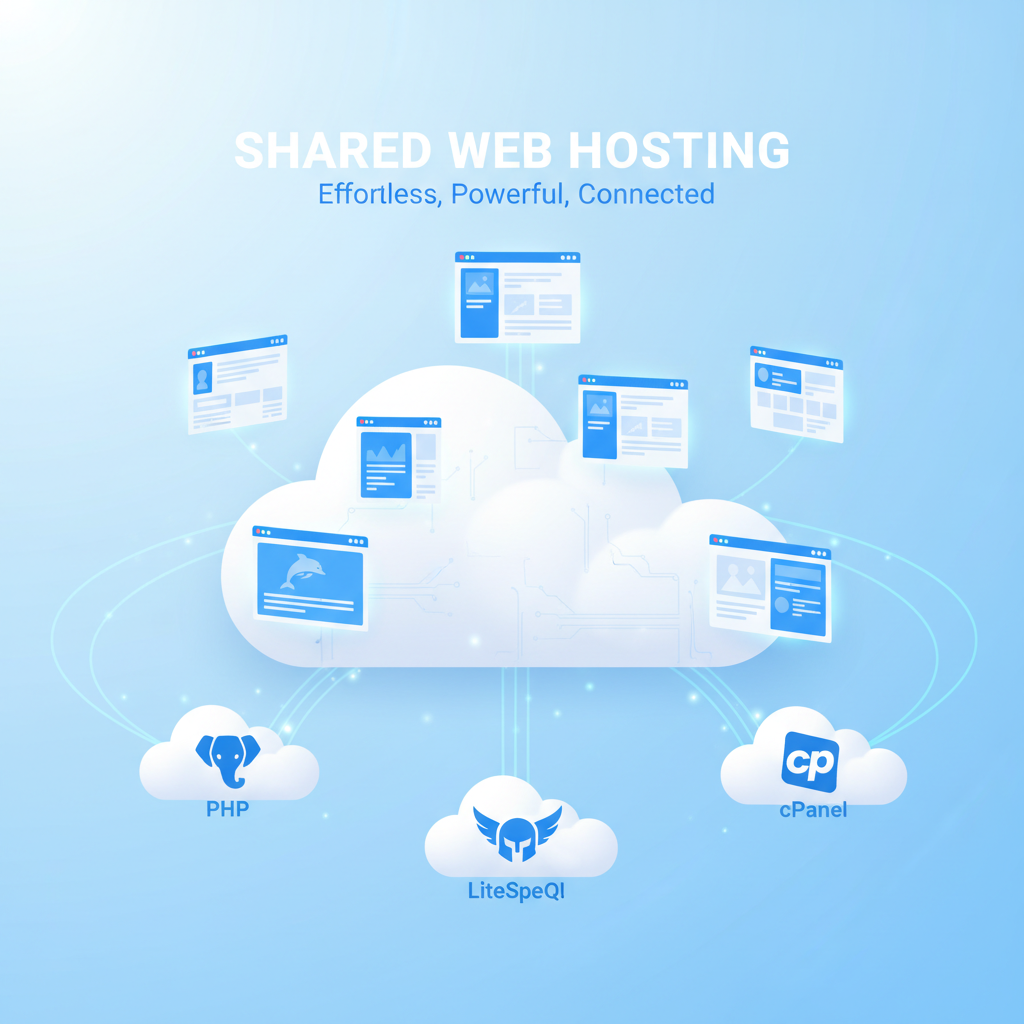
If you're launching your first website, shared web hosting is almost certainly where you should start. It's affordable, powerful, and managed — meaning the technical side (servers, security updates, hardware) is all handled for you.
But not all shared hosting is created equal. In this guide, we'll break down exactly what shared hosting is, what tools power it, and how TyTe Hosting's setup compares to the big-name hosts you've probably already seen advertised.
What Is Shared Web Hosting?
Shared hosting means your website lives on a physical server alongside other customers' websites. You share the server's CPU, RAM, and disk space — but each account is completely isolated. Think of it like an apartment building: you share the building, but your apartment is private.
This model keeps costs low while still giving you everything you need for most websites: WordPress blogs, business landing pages, portfolio sites, small e-commerce stores, and more.
What Powers TyTe Hosting's Shared Plans?
cPanel — The Industry Standard Control Panel
Every TyTe Hosting shared plan includes cPanel — the most widely-used hosting control panel in the world. With cPanel you can:
- Create and manage email addresses (name@yourdomain.com)
- Install WordPress in one click via Softaculous
- Manage MySQL databases and run phpMyAdmin
- Upload files with the built-in File Manager
- Create subdomains and addon domains
- View bandwidth and disk usage stats in real time
- Manage SSL certificates (install/renew free Let's Encrypt)
LiteSpeed Web Server — 3x Faster Than Apache
Most budget hosts still run Apache. TyTe Hosting runs LiteSpeed — a drop-in Apache replacement that's up to 3x faster for WordPress and PHP applications. LiteSpeed includes:
- LSCache — server-level caching that dramatically improves page load times
- HTTP/3 & QUIC support — faster connections on modern browsers
- Better handling of high concurrent connections without performance drops
PHP 8 — Modern, Fast, Secure
TyTe Hosting runs PHP 8, the latest major version. PHP 8 is significantly faster than PHP 7, and includes JIT (Just-in-Time) compilation for improved performance on complex applications. WordPress, Joomla, Drupal, and most CMS platforms fully support PHP 8.
MySQL / MariaDB Databases
Every plan includes MySQL databases managed through phpMyAdmin in cPanel. WordPress, WooCommerce, and virtually every web app uses MySQL to store content, users, orders, and settings.
TyTe Hosting Shared Plans
| Plan | Price | Disk | Sites | SSL | |
|---|---|---|---|---|---|
| Starter | $3.99/mo | 10 GB SSD | 1 | 5 accounts | Free Let's Encrypt |
| Business ⭐ | $6.99/mo | 25 GB SSD | 5 | 25 accounts | SSL + Weekly Backup |
| Pro | $12.99/mo | 75 GB SSD | Unlimited | Unlimited | SSL + Daily Backup |
| Ultimate | $19.99/mo | 200 GB SSD | Unlimited | Unlimited | SSL + Backup + CDN + Imiquify360 |
Who Should Use Shared Hosting?
- ✅ New websites with under 10,000 monthly visitors
- ✅ WordPress blogs, business landing pages, portfolios
- ✅ Small online stores (WooCommerce with light traffic)
- ✅ Agency clients needing managed hosting without server admin skills
- ❌ High-traffic e-commerce sites (upgrade to VPS)
- ❌ Custom server configuration requirements (use VPS or Dedicated)
How to Get Started
- Choose your plan (Business is the best value for most new sites)
- Register or transfer your domain during checkout
- Log into cPanel — your credentials are emailed instantly
- Use Softaculous to install WordPress in under 2 minutes
- Your site is live — start building
Ready to Launch Your Website?
Start with the Business plan for $6.99/mo — 25 GB SSD, 5 websites, unlimited email, and free SSL included.
View Shared Hosting Plans →Frequently Asked Questions
Can I host multiple websites on one shared plan?
Yes — on Business, Pro, and Ultimate plans. The Starter plan is limited to one website.
Is shared hosting secure?
Yes. Each account is isolated using CloudLinux, so another user on the same server can't access your files. Ultimate plans include Imiquify360 malware protection.
What happens if I outgrow shared hosting?
TyTe Hosting offers seamless upgrades to VPS and Dedicated Server plans. Your data migrates with you — no downtime.